PHOTO IDEAS · BUNTOON
Turn a photo into a cartoon that feels like you
A profile picture, a keepsake or a playful new look: start with a real photo and choose how you want to reimagine it. Compare chibi characters with comic portraits before choosing a style in BunToon.
Explore here. Create your image in the BunToon app.
Find a style you love
These are style examples. Your result will vary with your photo and selected style.
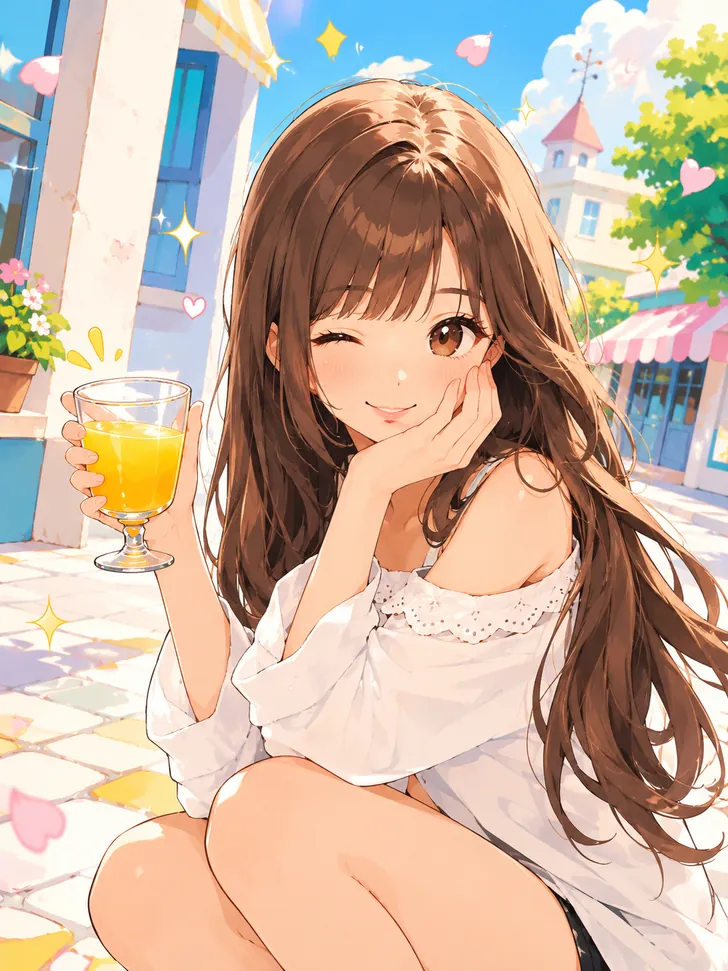
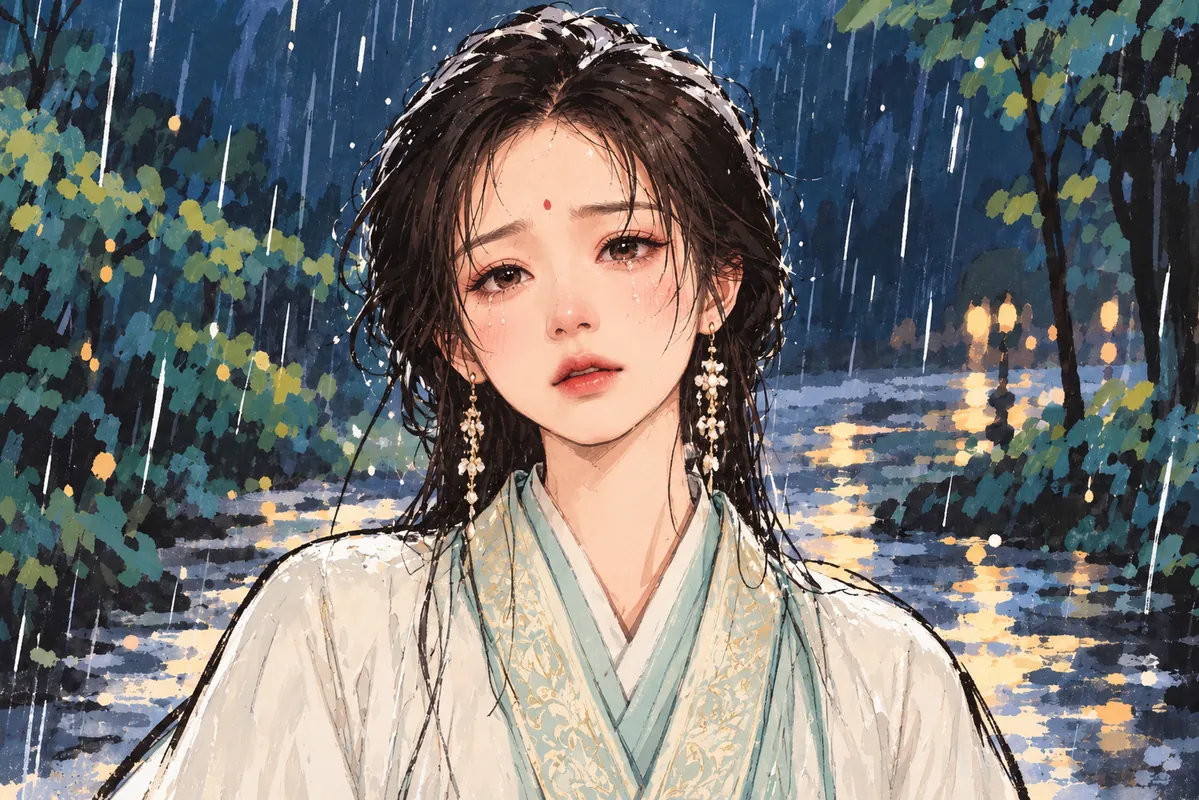
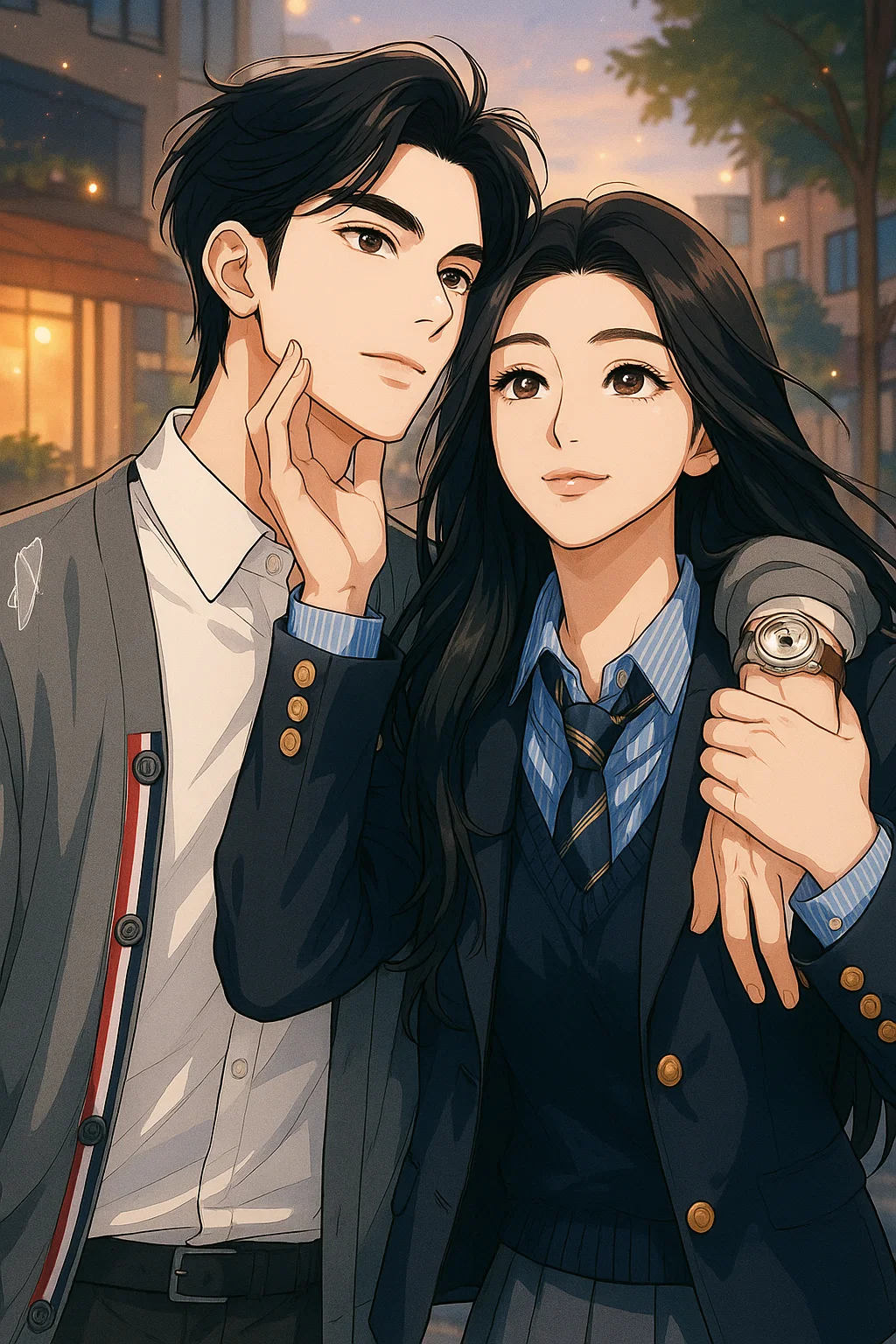
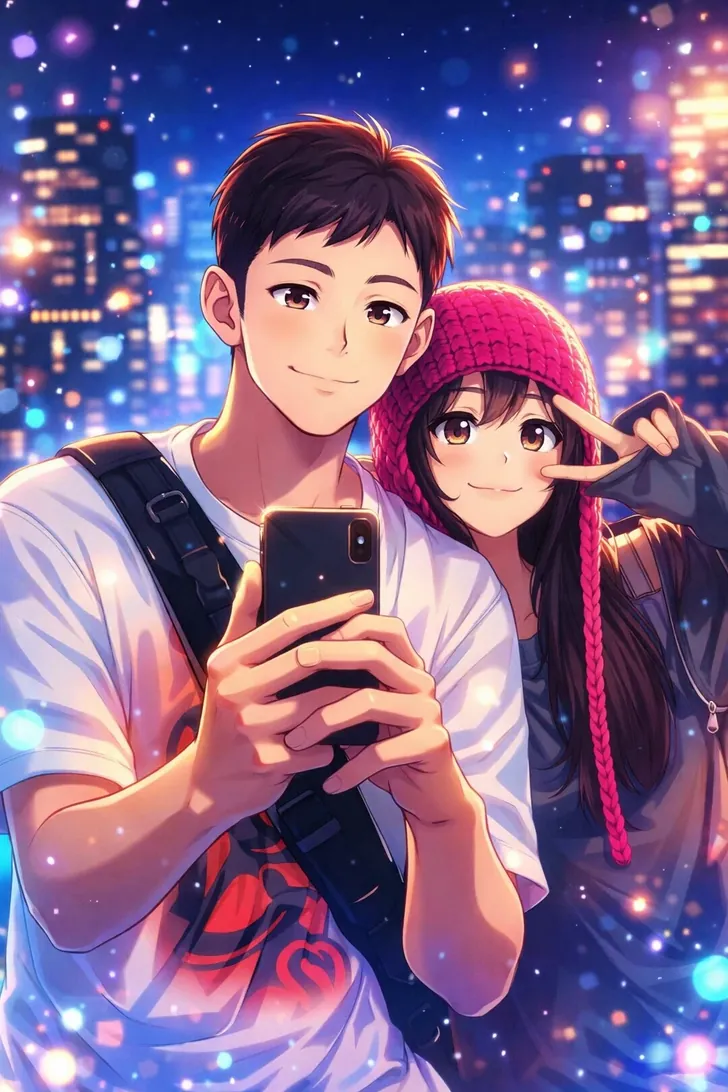
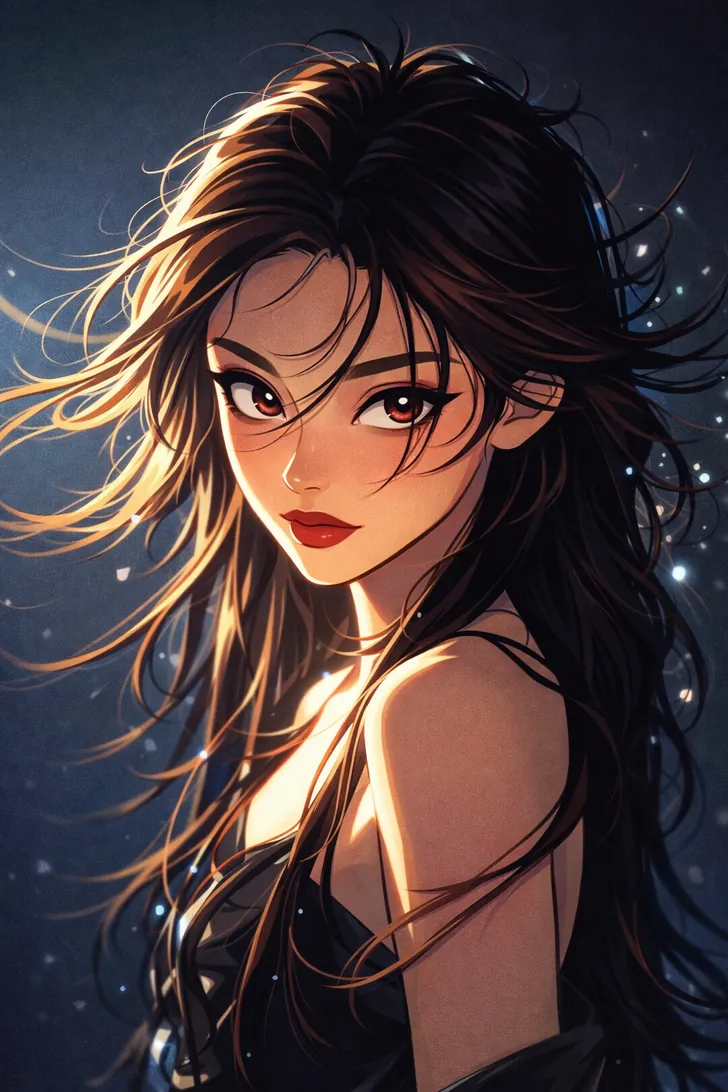
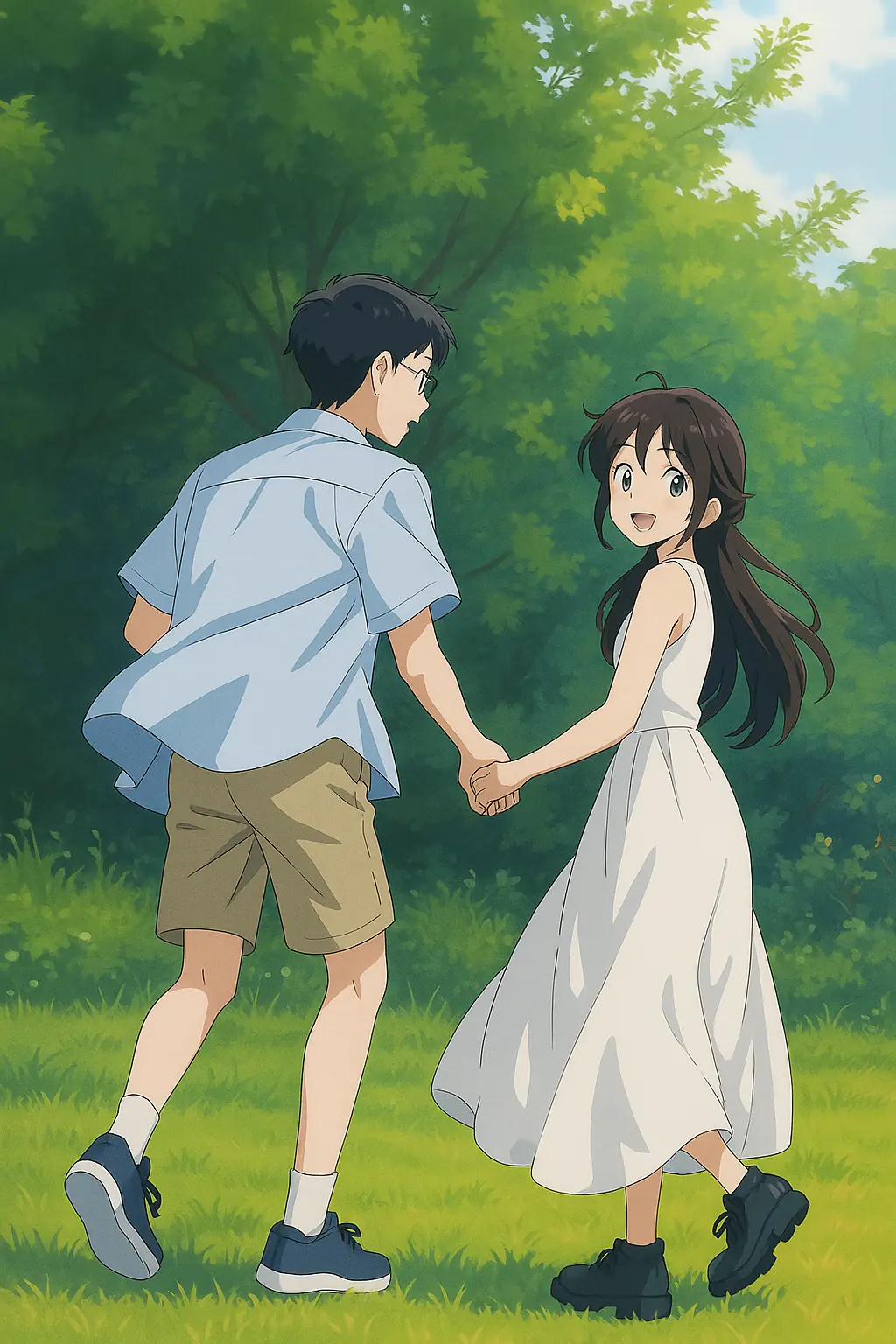
Explore by category
From your photo to your next creation
Choose your photo
Choose a well-lit portrait with a visible face. A simple background makes it easier to compare the character across different styles. For your first attempt, use one person and avoid heavy beauty filters.
Create in BunToon
Open the app, find your chosen style and upload a photo you have permission to use. Check the credit and unlock requirements shown before creating.
Review your result
Compare the face, hairstyle and expression with your original photo. For an avatar, preview the result as a small square before choosing your final crop.
Before you create
Which cartoon style should I start with?
Try chibi for a small, playful character or a comic style for a more illustrated portrait. The examples below show different directions; your own result will depend on the photo and selected style.
Can I create the image on this website?
Use this page to explore styles, then open BunToon in the app to upload your photo and create your image.
Is every result free?
Styles use credits, and some results require an unlock ticket. Check the generation and unlock costs shown in the app before creating.
Photos are processed in the cloud to create your image. Read our privacy policy and terms before uploading. Privacy Policy · Terms of Service