PHOTO IDEAS · BUNTOON
Find an anime look for your own photo
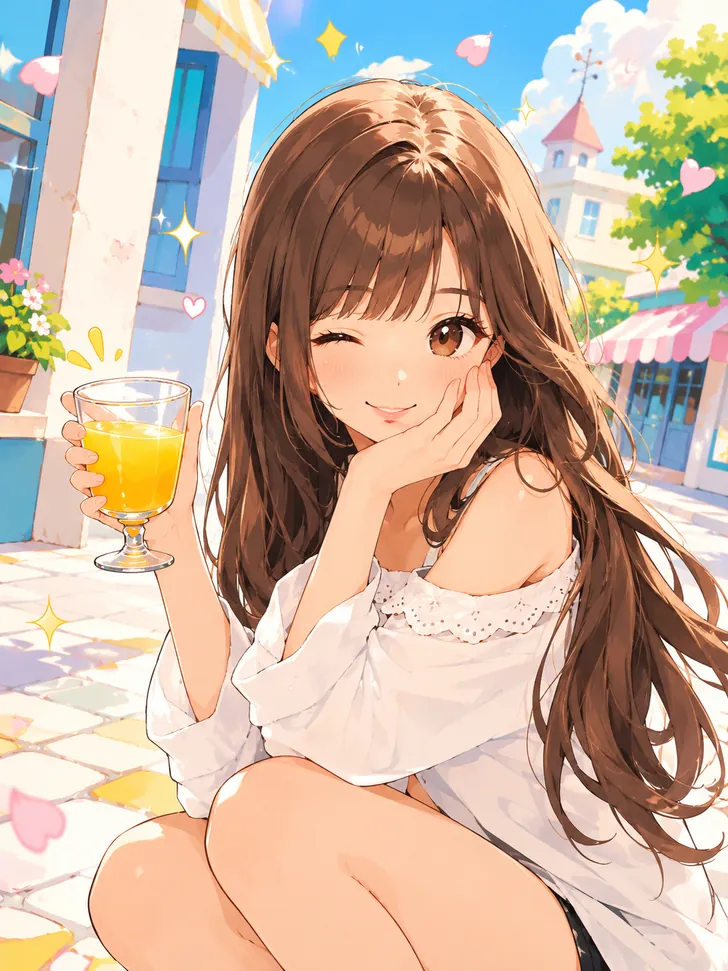
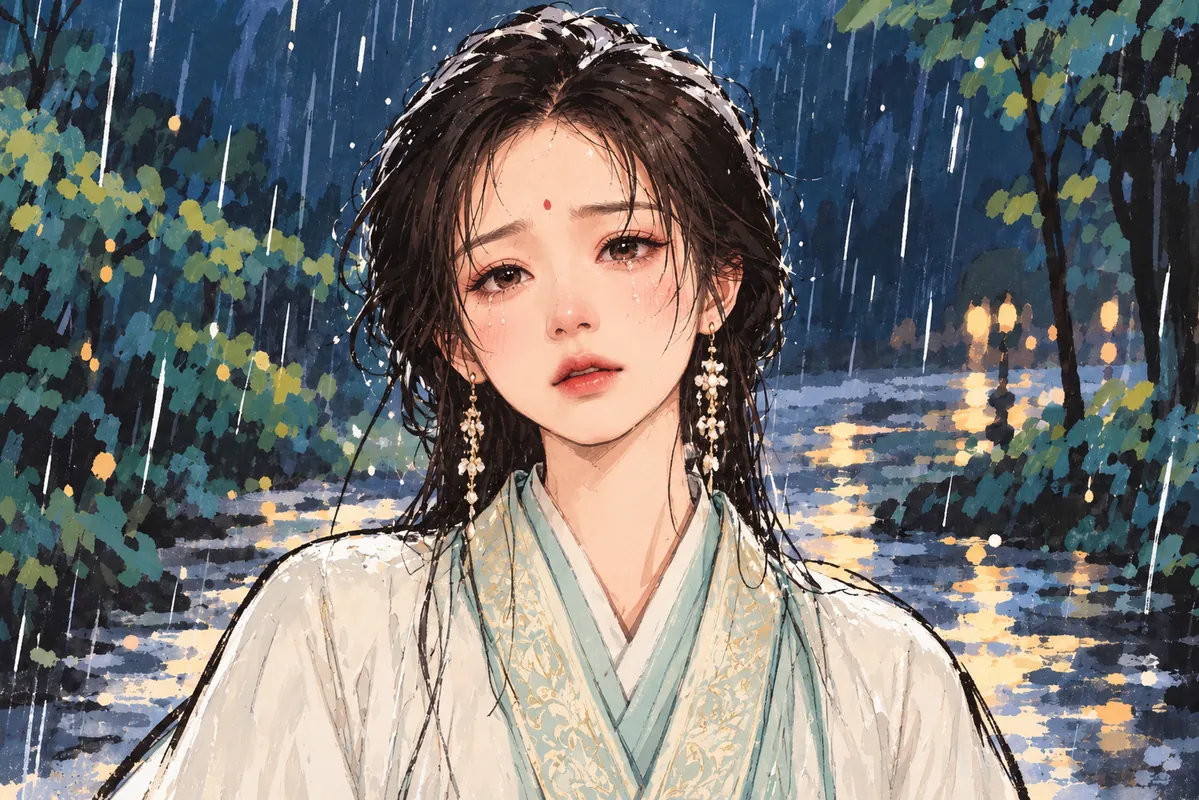
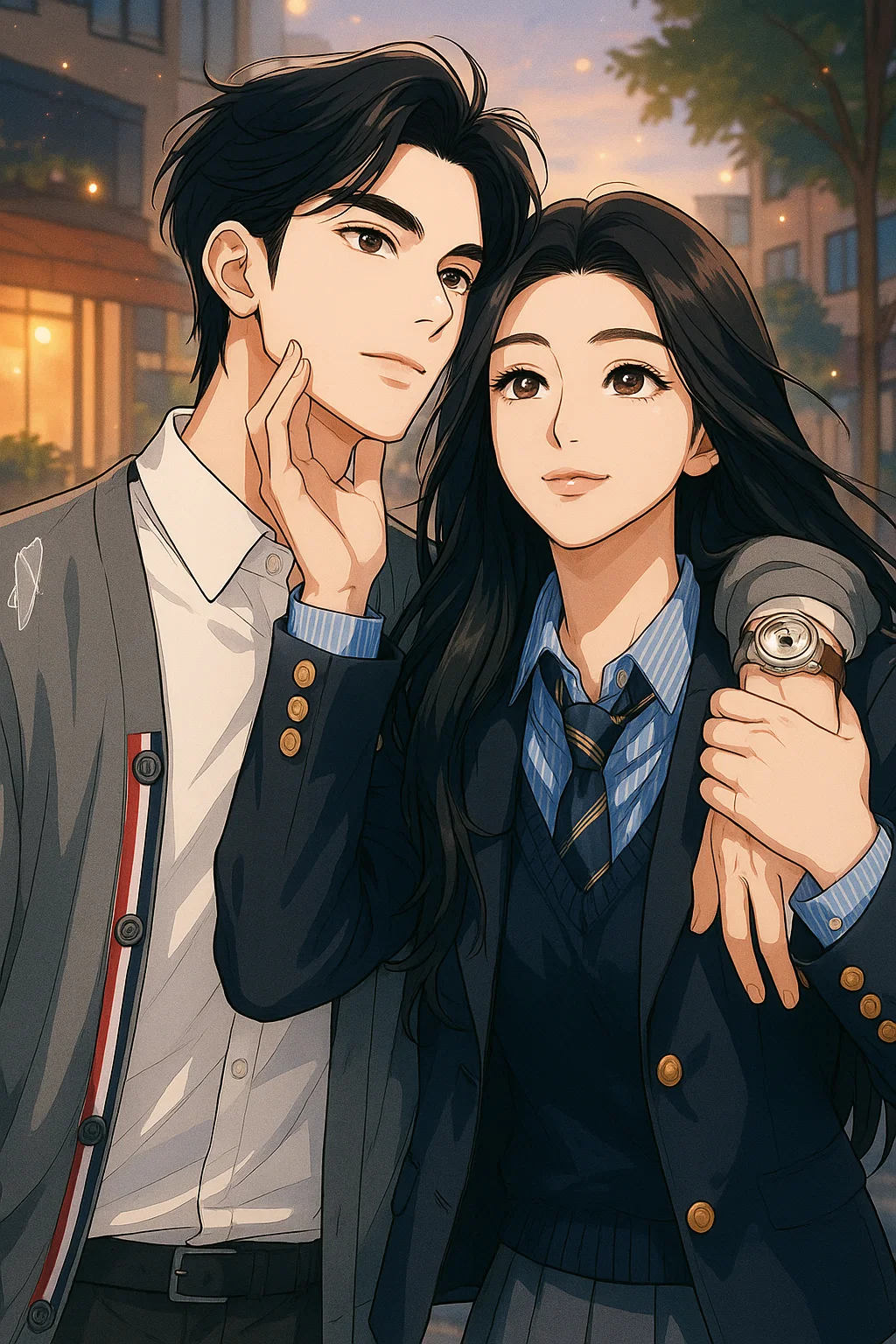
Anime portraits can feel energetic, soft or cinematic. Browse the examples to choose the mood you want, then use your own portrait as the starting point in BunToon.
Explore here. Create your image in the BunToon app.
Find a style you love
These are style examples. Your result will vary with your photo and selected style.
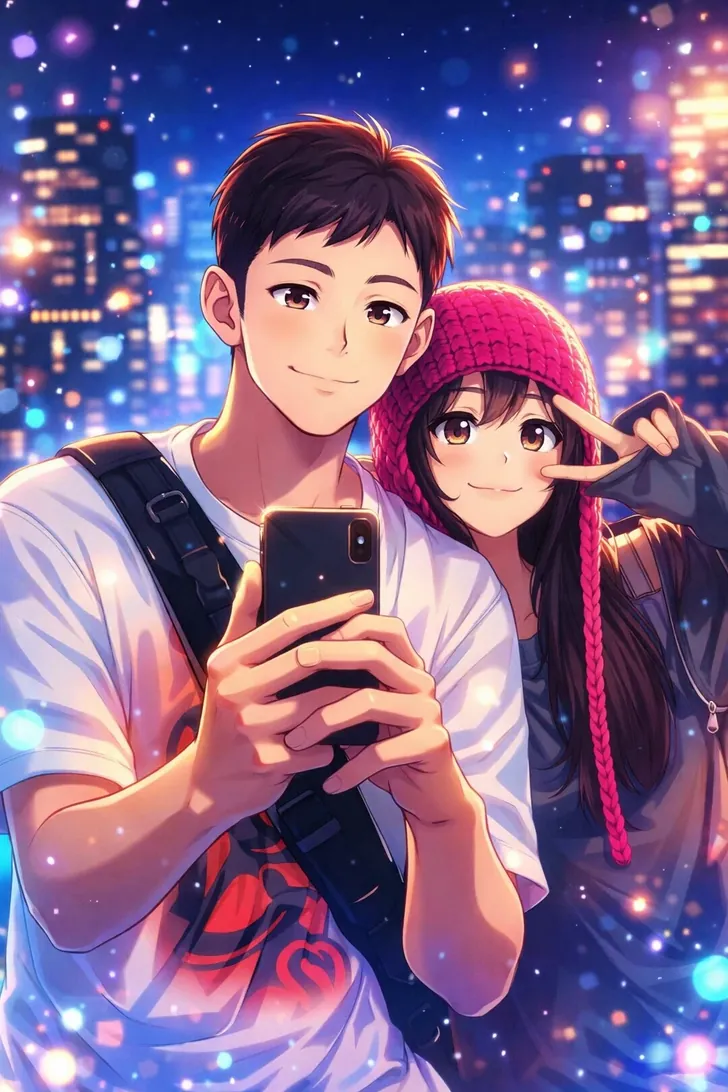
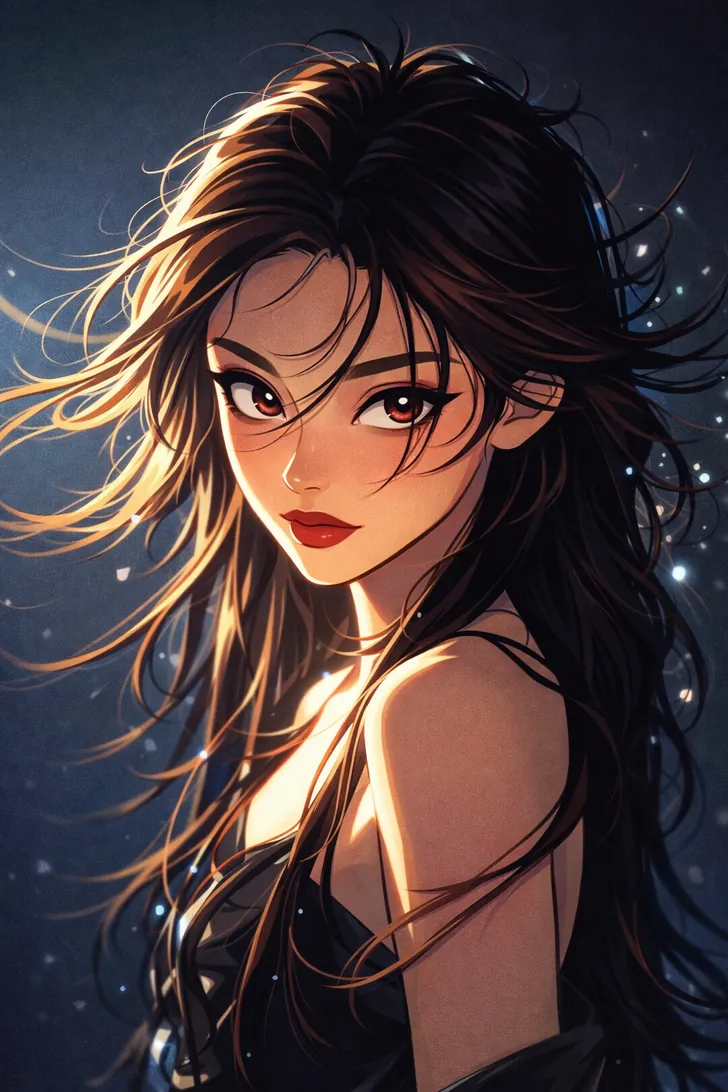
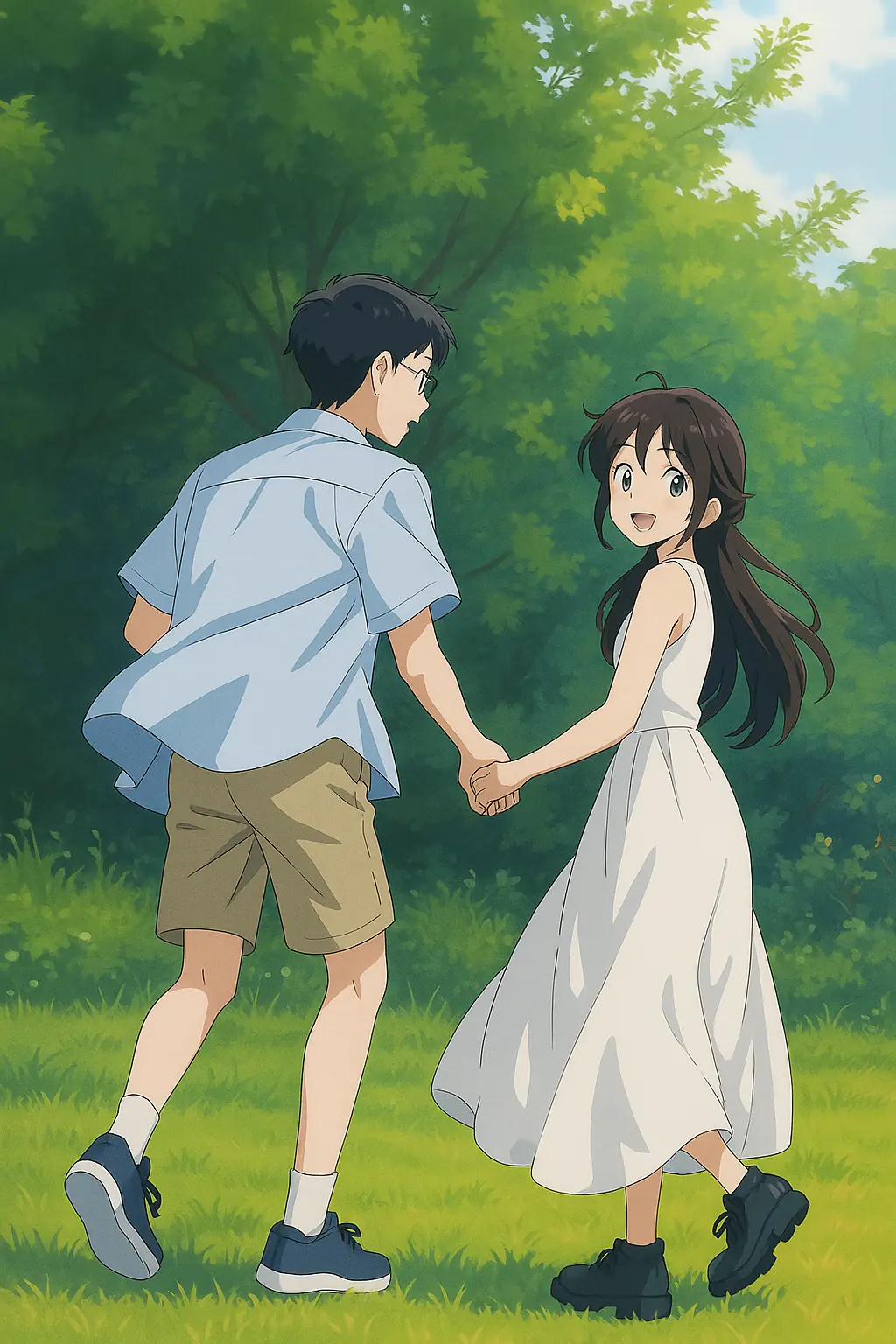
Explore by category
From your photo to your next creation
Choose your photo
Use a sharp photo where the eyes and hairstyle are easy to see. Even lighting is a useful starting point. Avoid sunglasses or objects covering the face when recognizability matters.
Create in BunToon
Open the app, find your chosen style and upload a photo you have permission to use. Check the credit and unlock requirements shown before creating.
Review your result
Look at more than the eyes: compare the silhouette of the hair, the pose and the expression. A style can change these features, so choose the result that best matches your intended character.
Before you create
How do I choose an anime style?
Compare a few examples for their expressions, line work and mood. Start with the style closest to what you want, then try the same photo in another style if you want a different direction.
Will the result look exactly like me?
AI-generated portraits are interpretations, so facial details and backgrounds may change. A clear source photo helps you assess which result best represents you.
Where do I create my anime portrait?
Open BunToon in the app, choose your style and upload a photo. Review the displayed credit and unlock requirements before generating.
Photos are processed in the cloud to create your image. Read our privacy policy and terms before uploading. Privacy Policy · Terms of Service