PHOTO IDEAS · BUNTOON
Give your pet a portrait full of personality
The tilted head, familiar markings or favorite expression can make a pet portrait special. Start with a photo you love, then explore pet-specific styles before creating in BunToon.
Explore here. Create your image in the BunToon app.
Find a style you love
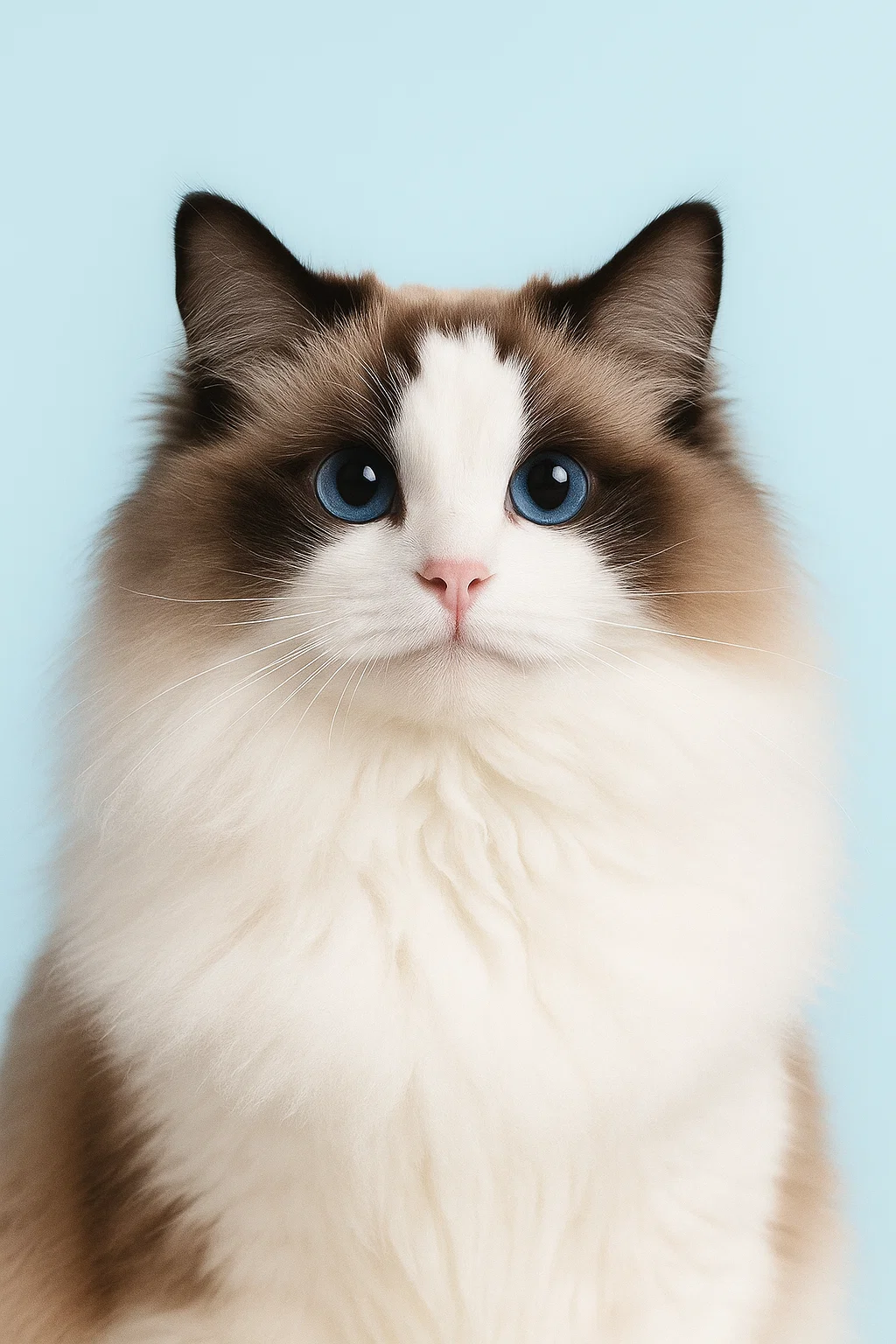
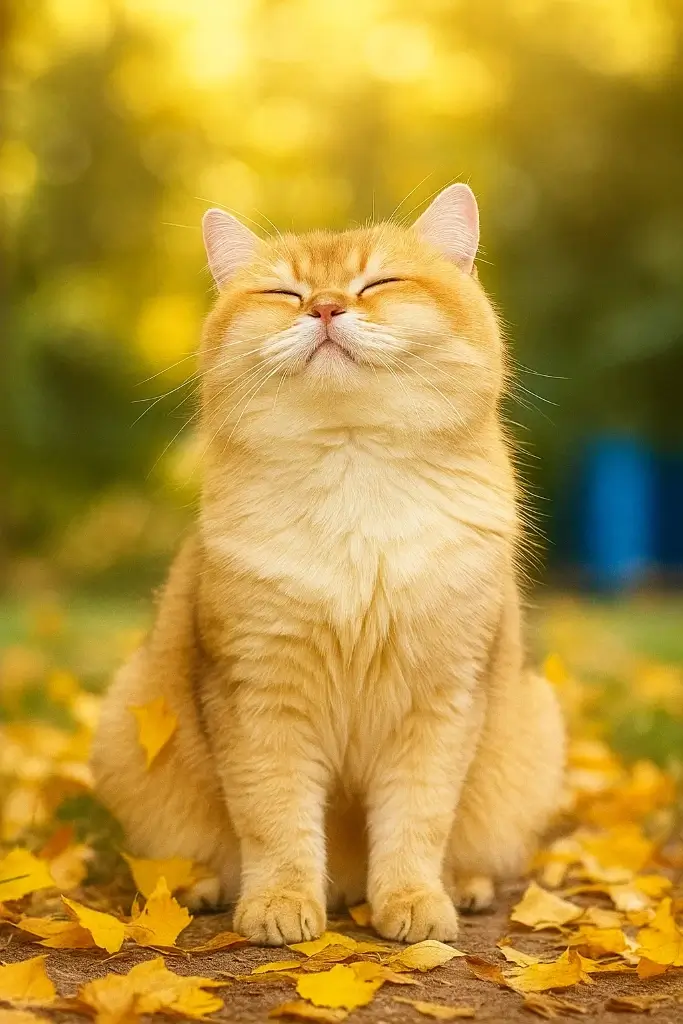
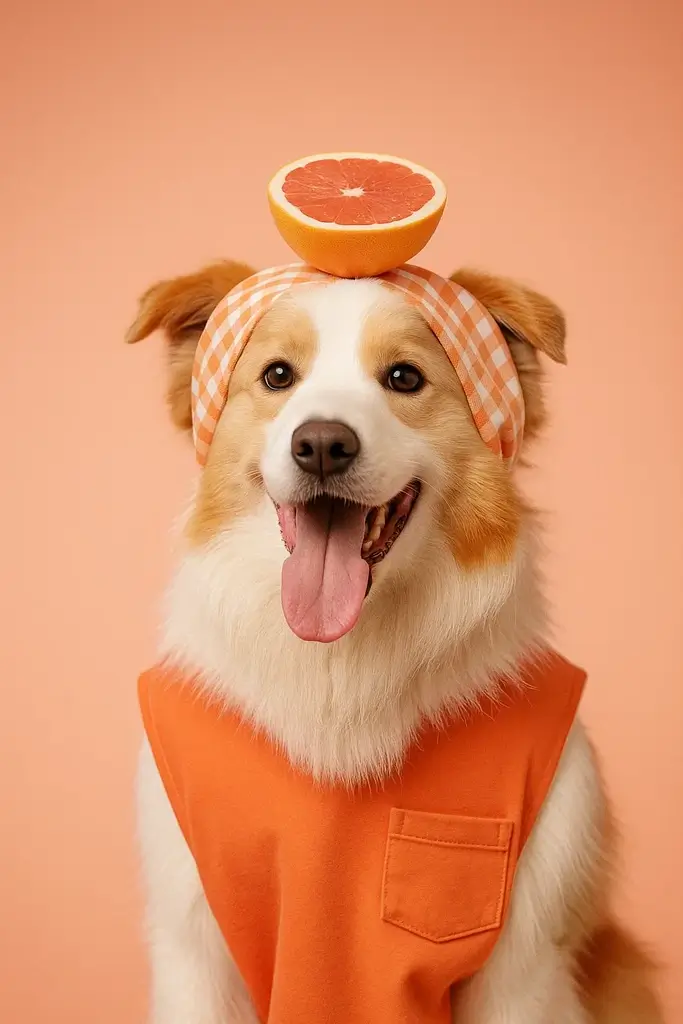
These are style examples. Your result will vary with your photo and selected style.
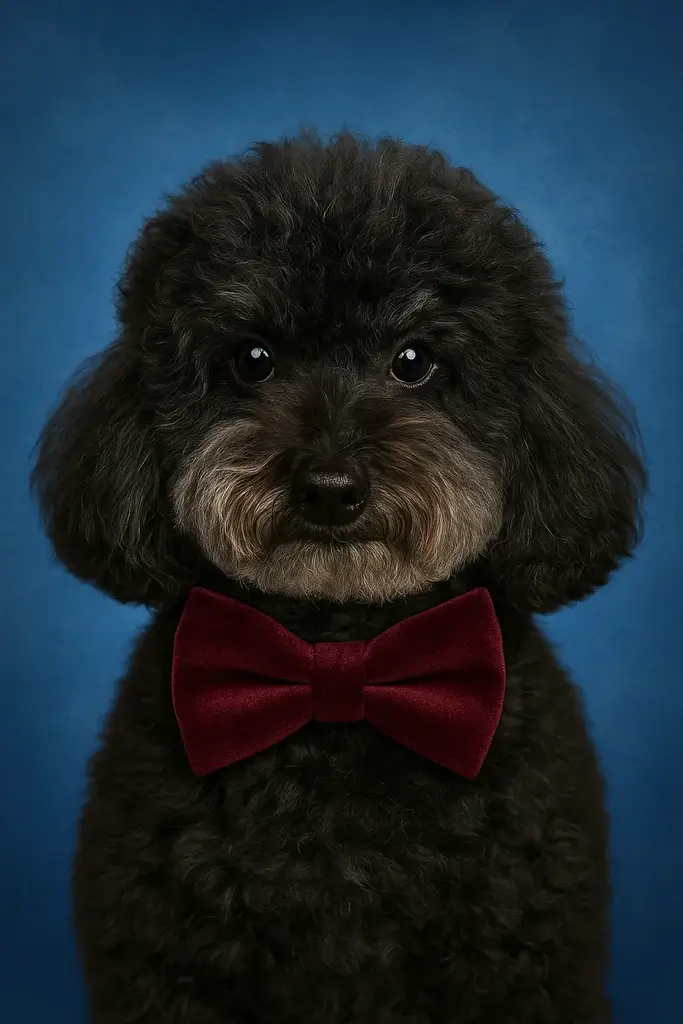
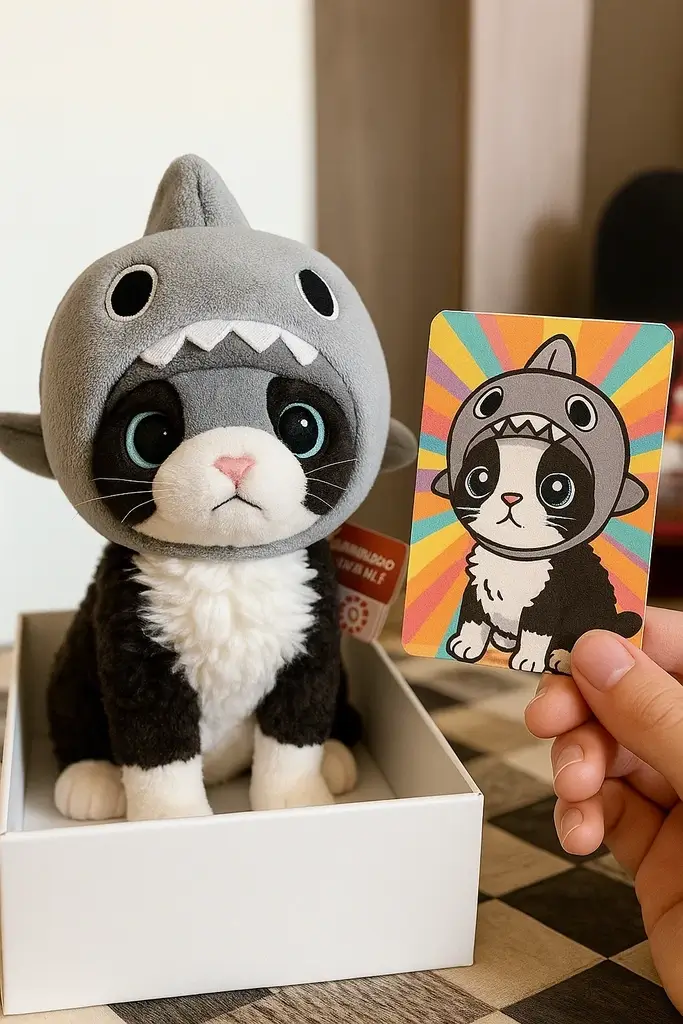
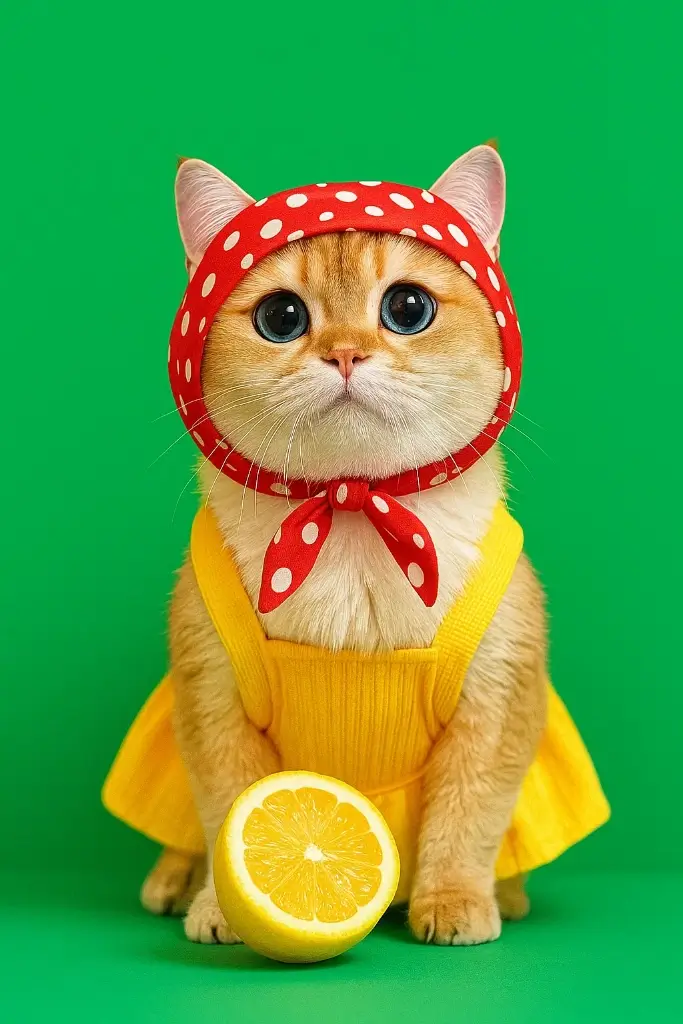
Explore by category
From your photo to your next creation
Choose your photo
Choose a photo with the pet's eyes, ears and fur markings clearly visible. Try one pet at a time, with enough space around the head and a background that does not hide the outline.
Create in BunToon
Open the app, find your chosen style and upload a photo you have permission to use. Check the credit and unlock requirements shown before creating.
Review your result
Check the markings, ear shape and expression against your source photo. If the likeness is not right, try a clearer photo or a different pet style before using the result as an avatar or keepsake.
Before you create
Should I use a close-up or a full-body photo?
A close-up is a useful starting point for an avatar. For a full-body portrait, choose a photo where the paws and body outline are visible, and compare it with the selected style's examples.
Can I use a photo with several pets?
Results depend on the selected style and the photo. Start with one pet if you want to check how well the style preserves its individual features.
How do I make a pet portrait?
Explore the pet styles below, open BunToon in the app and upload your photo. Check the displayed costs, generate an image and review the result before downloading.
Photos are processed in the cloud to create your image. Read our privacy policy and terms before uploading. Privacy Policy · Terms of Service